Your chores don’t have to live in your head
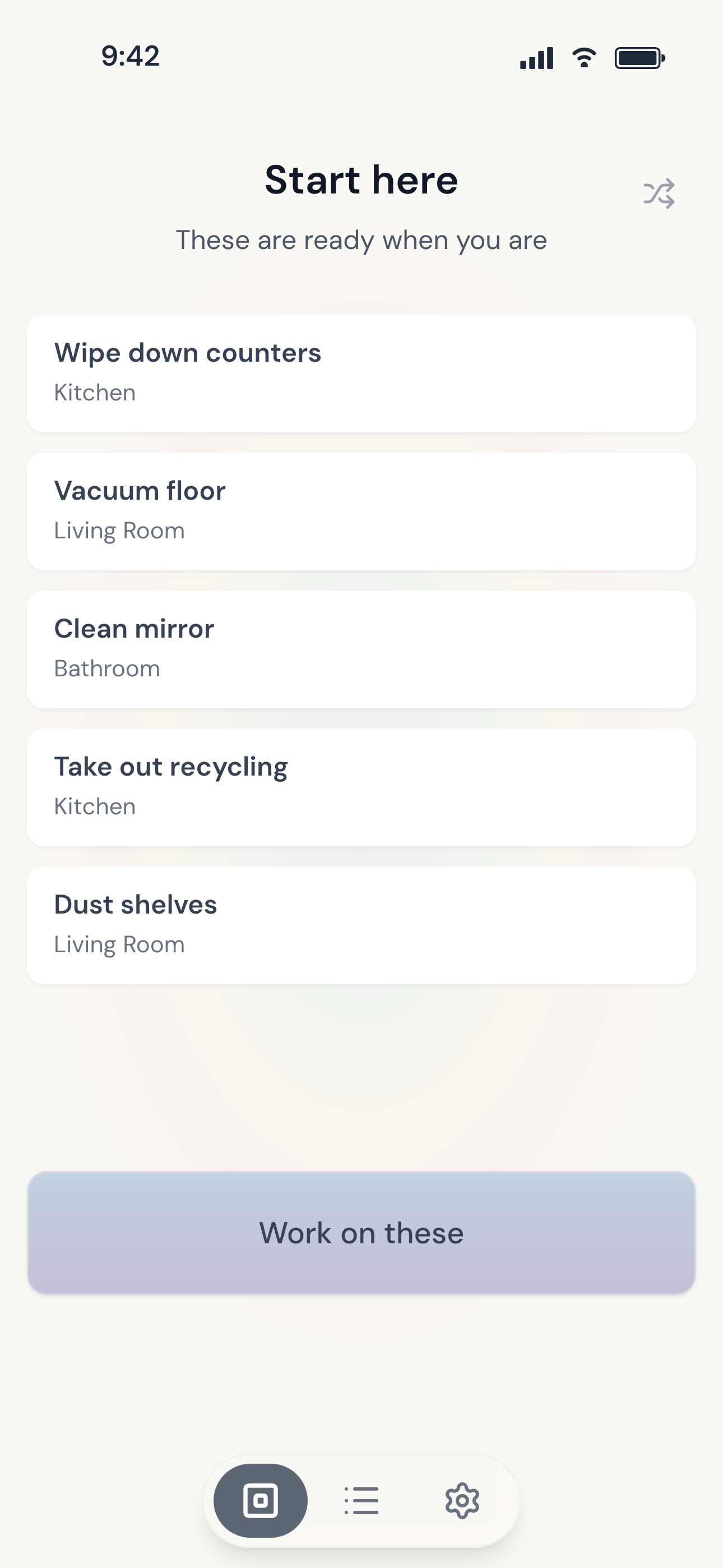
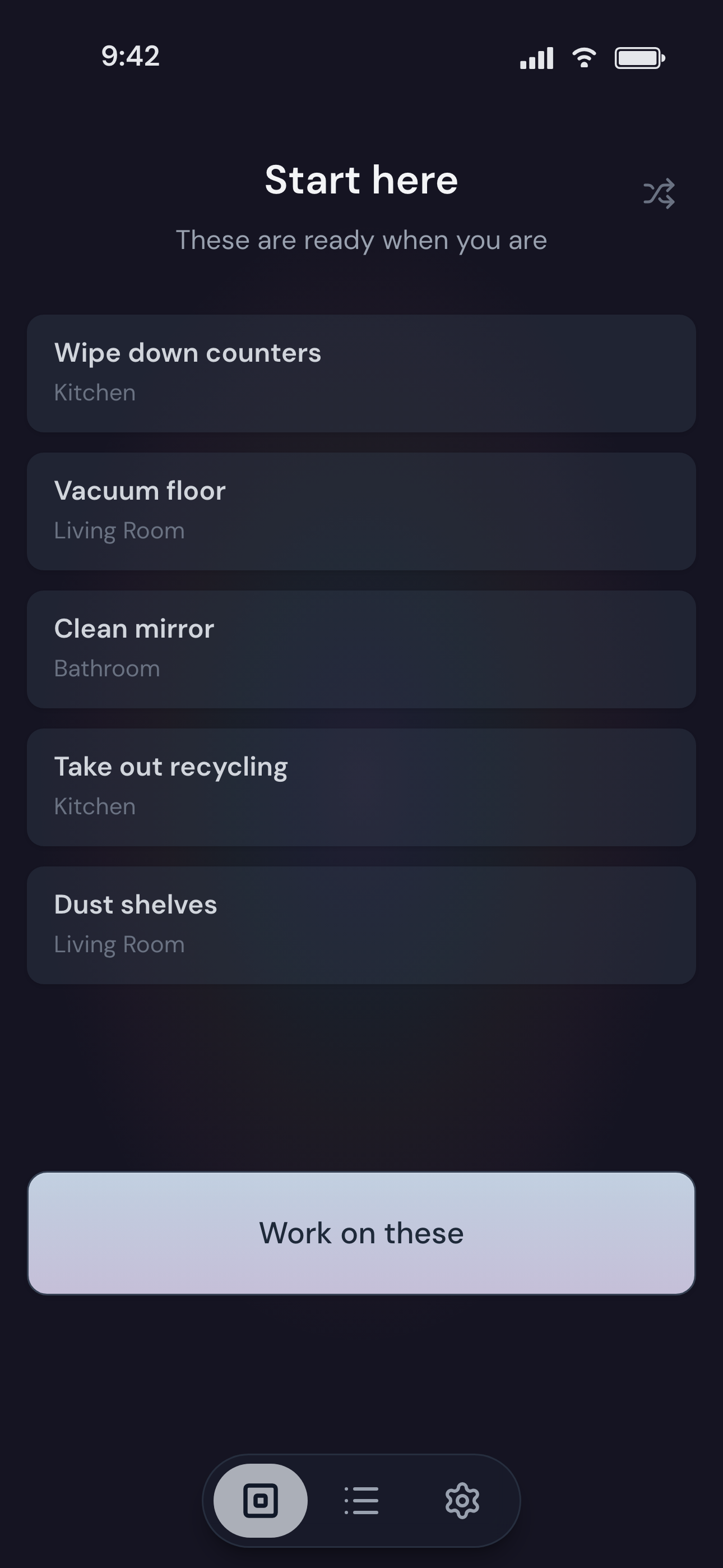
FreshChores keeps track of what your home needs and shows you a few things worth doing right now. The rest stays out of the way until its time comes around.
Nothing goes overdue, and there's no long list to work through.
For families, couples, roommates, and people living on their own.

Start simple. Let it grow.
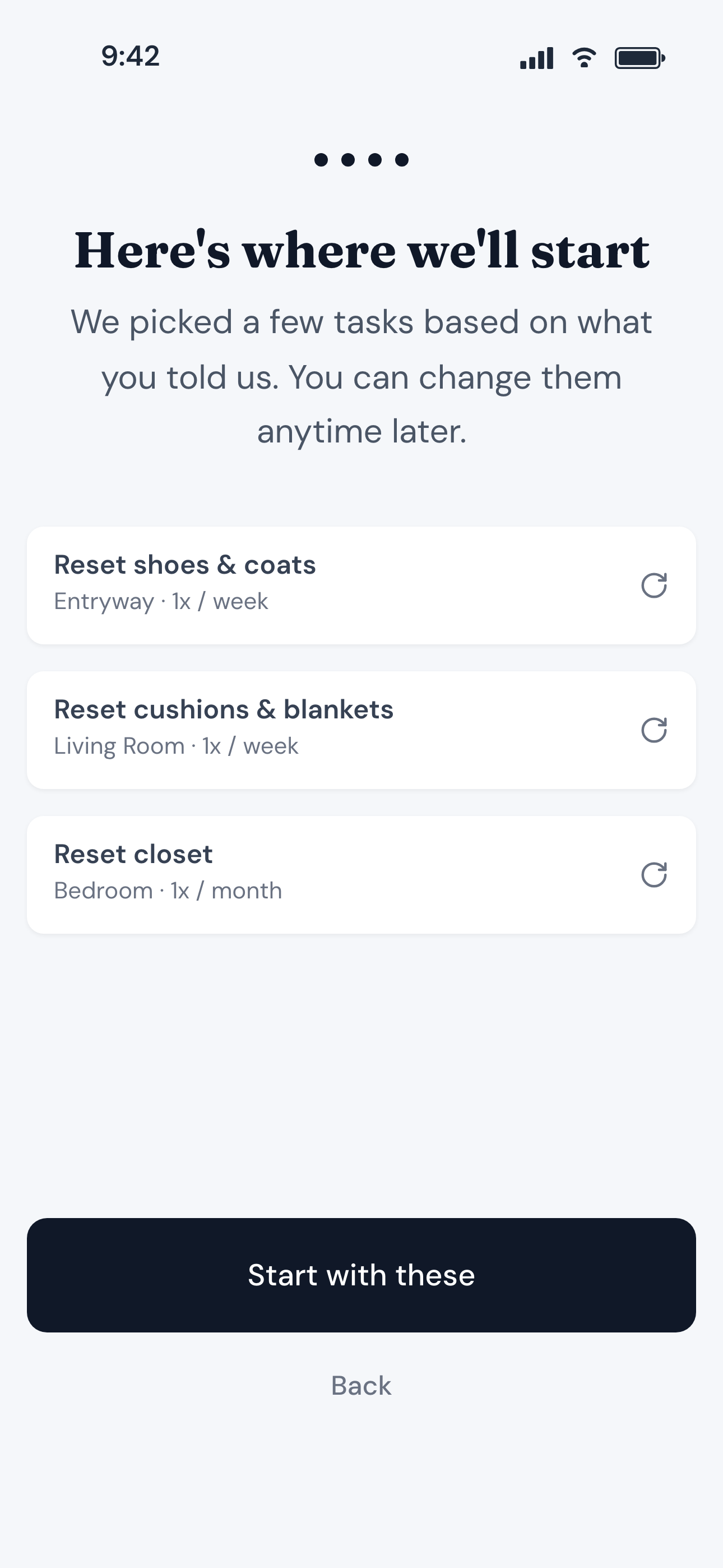
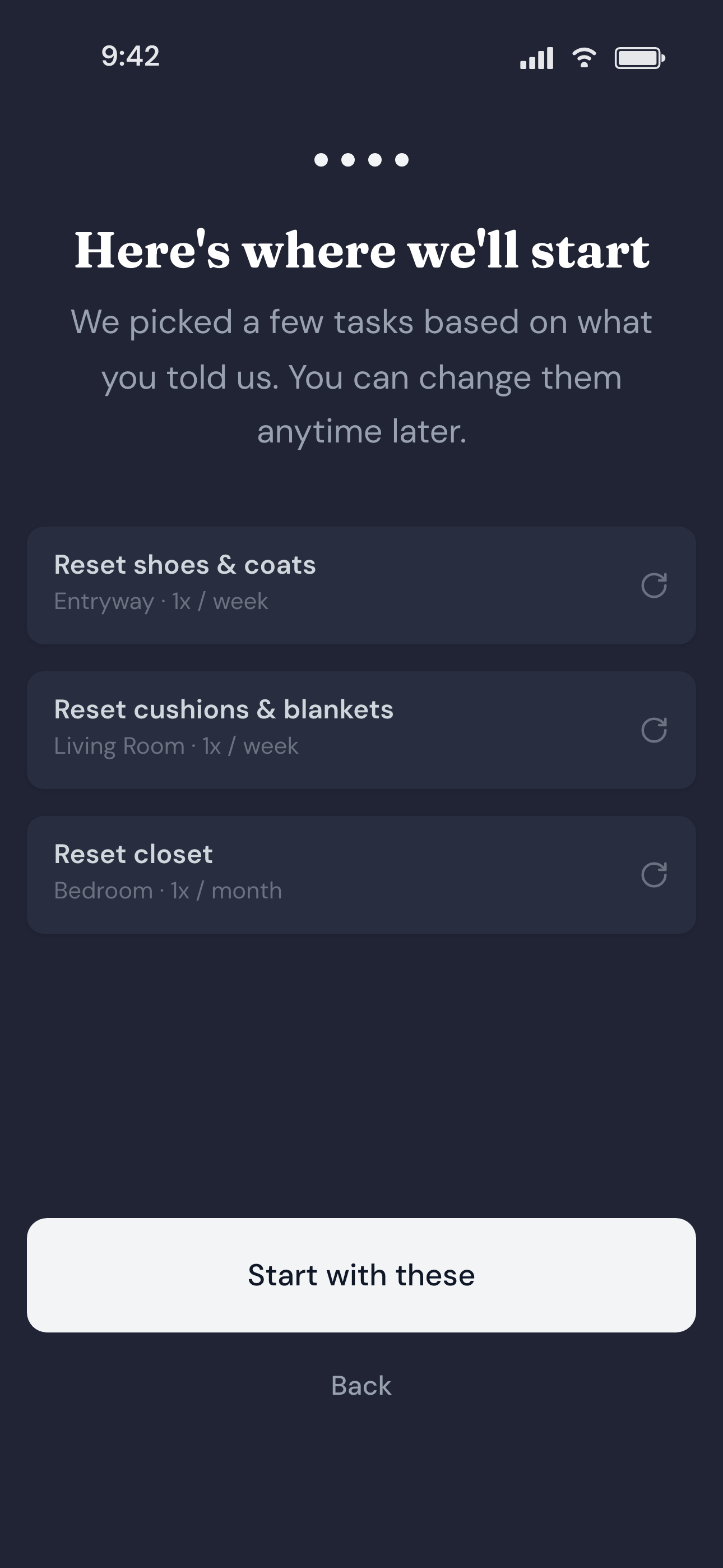
FreshChores is designed to keep track of things for you effortlessly. You start with three or four tasks, the ones you think about most. That's enough to be useful on the first day.
The app makes it dead simple to add more tasks as you notice them, without having to think about scheduling or how they fit into your overall cleaning practice.
Notice it once, and FreshChores takes it from there.
When something's done, let FreshChores know.
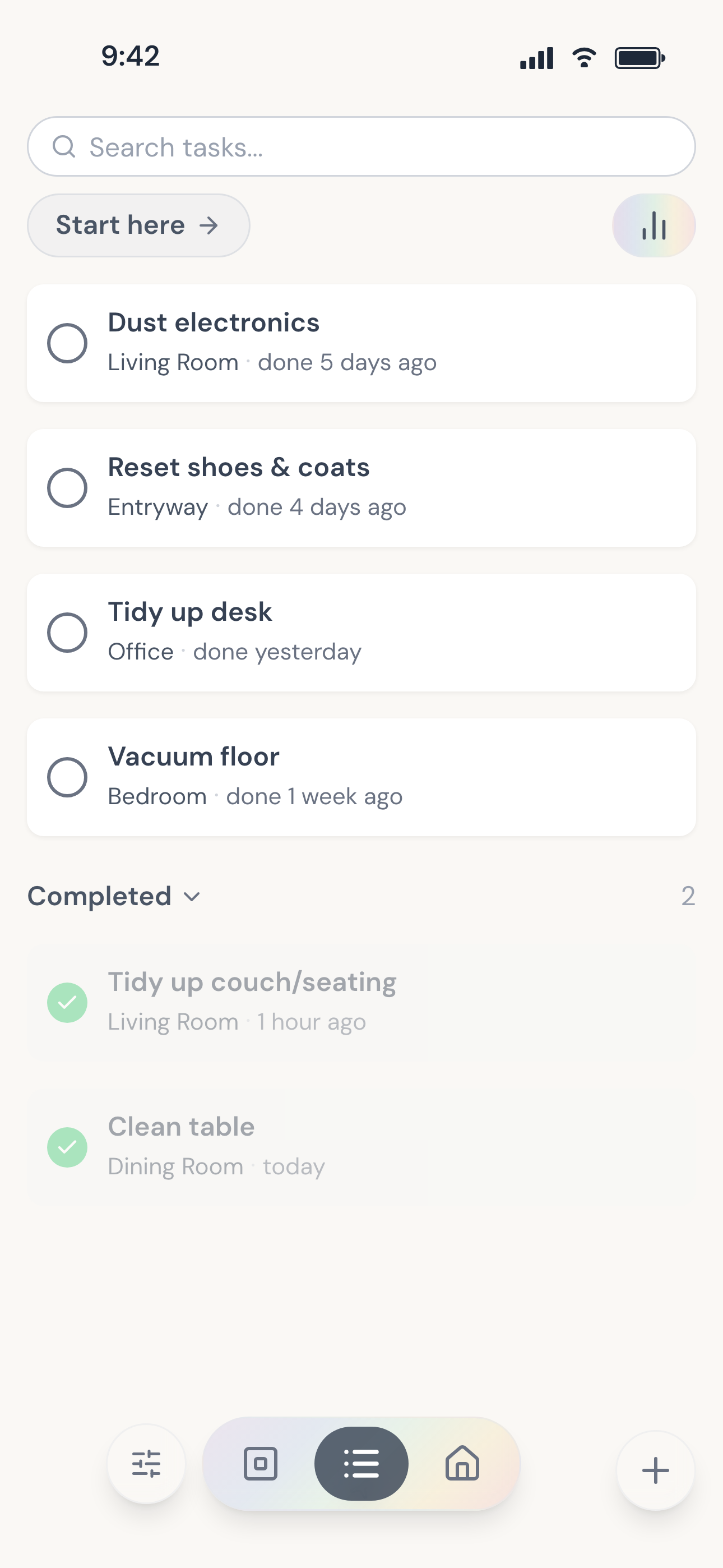
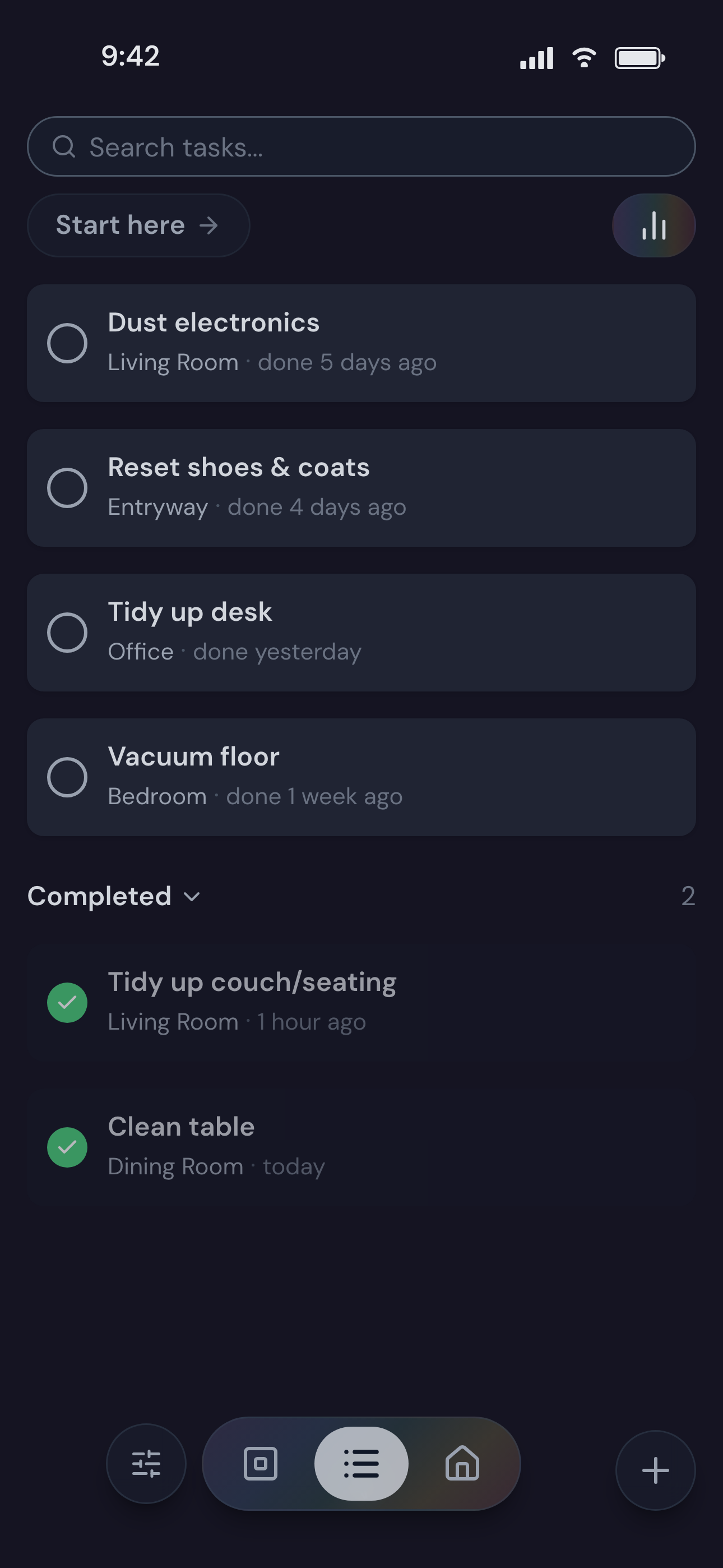
When you've finished something, you can find it in the list and check it off. Or simply say or type what you did, the way you'd tell someone else in the house.
Mark tasks as completed
FreshChores remembers what you've completed and keeps those tasks out of the way until they're due to come around again.
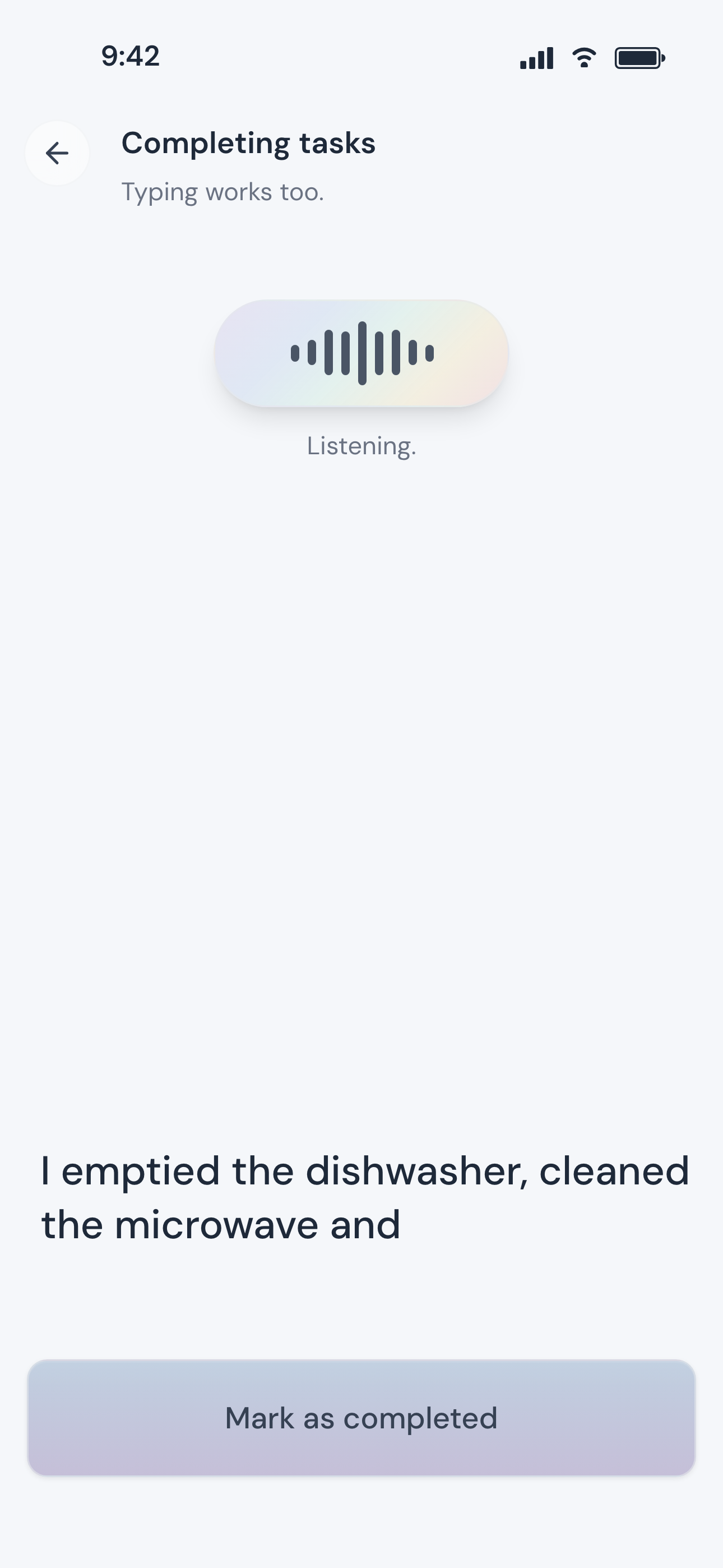
Or simply say what you did
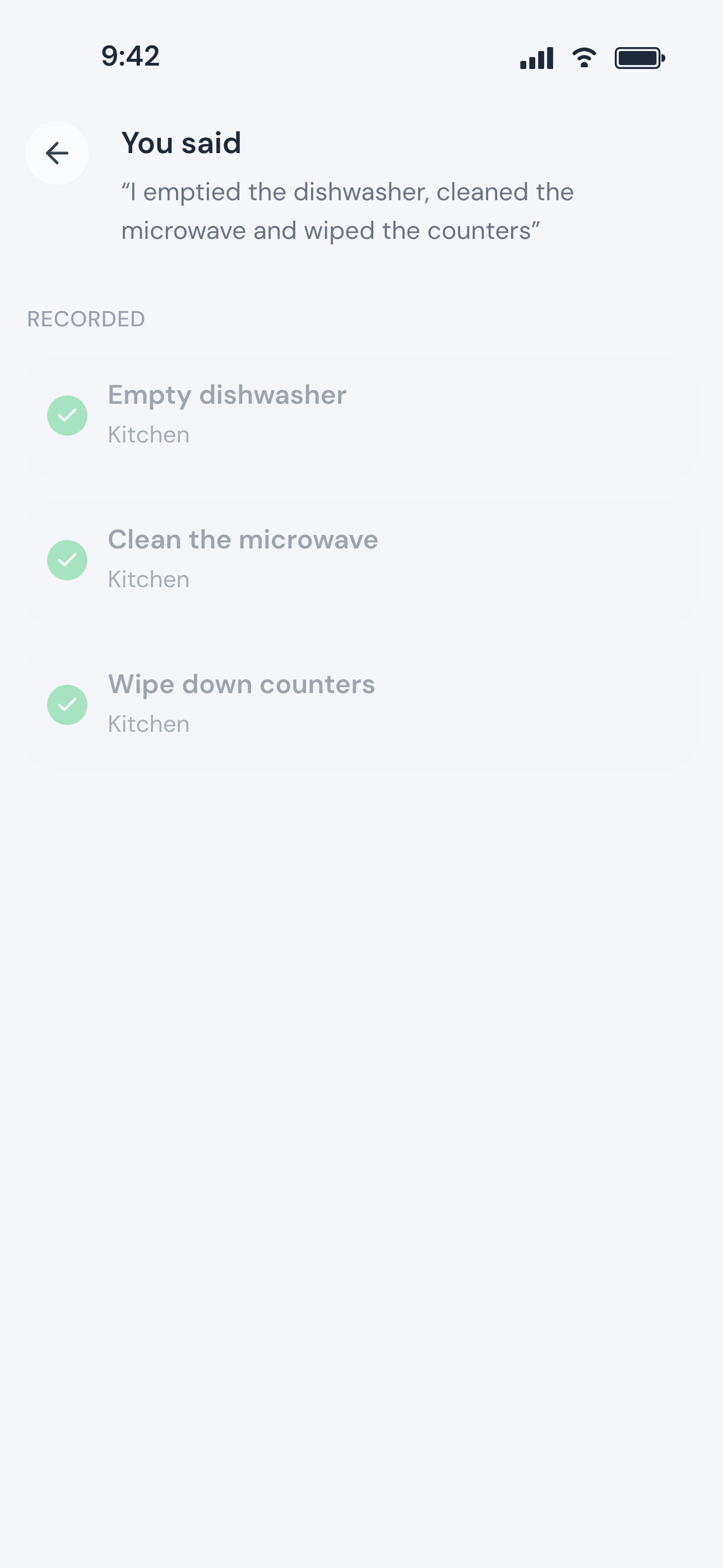
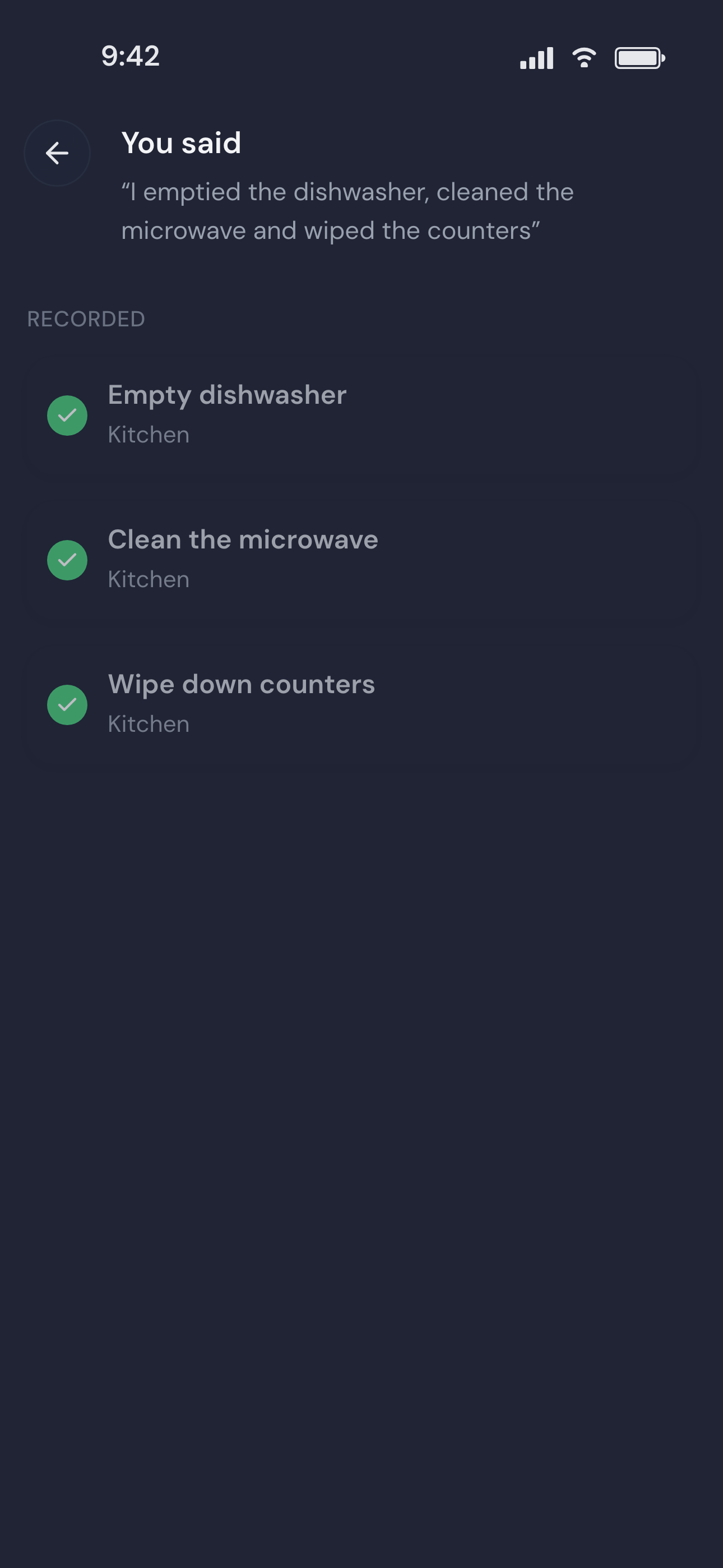
Tap the microphone, choose Complete tasks, and say what you finished: “I emptied the dishwasher, cleaned the microwave and wiped the counters.”
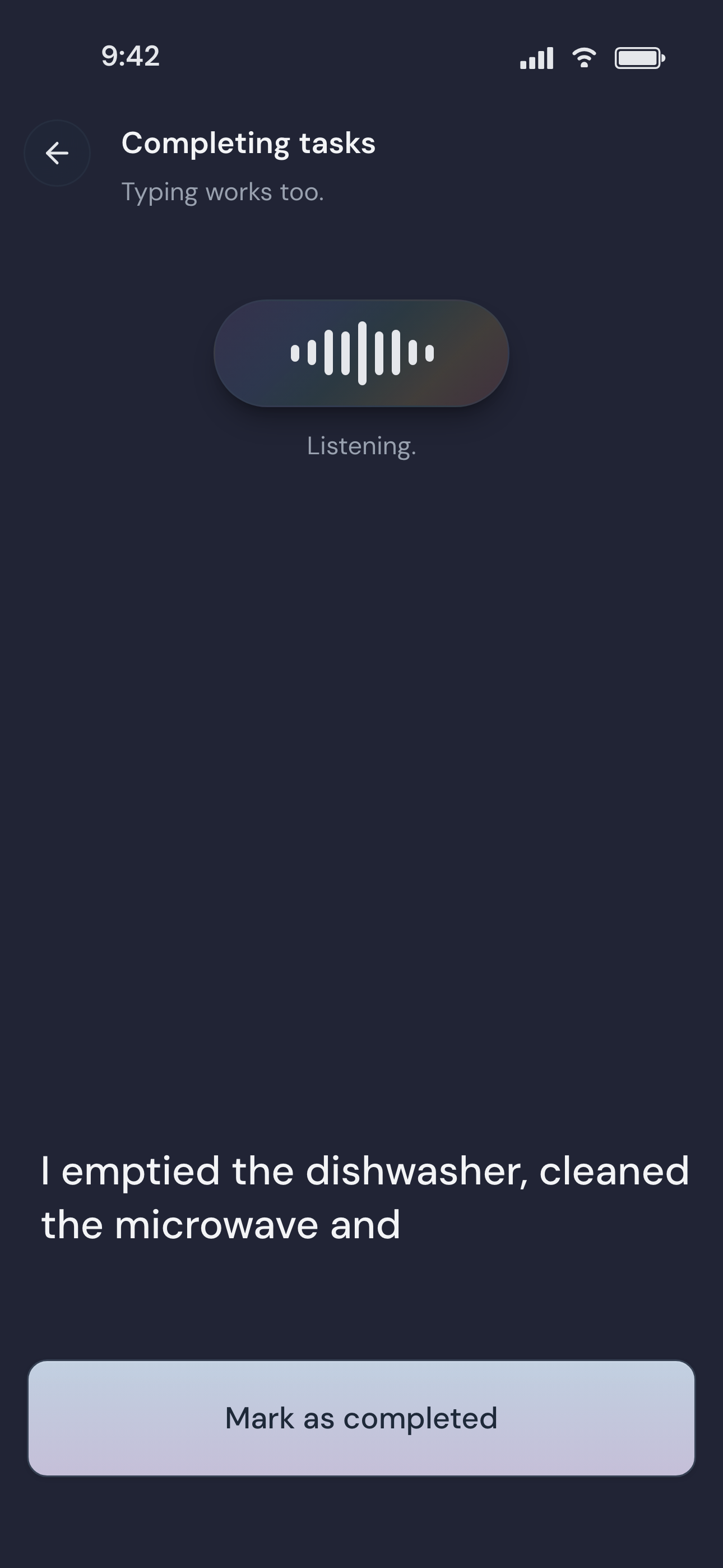
FreshChores finds the matching tasks
FreshChores matches that against the tasks your household already has, records them, and shows you exactly what it understood.
FreshChores changes with your home.
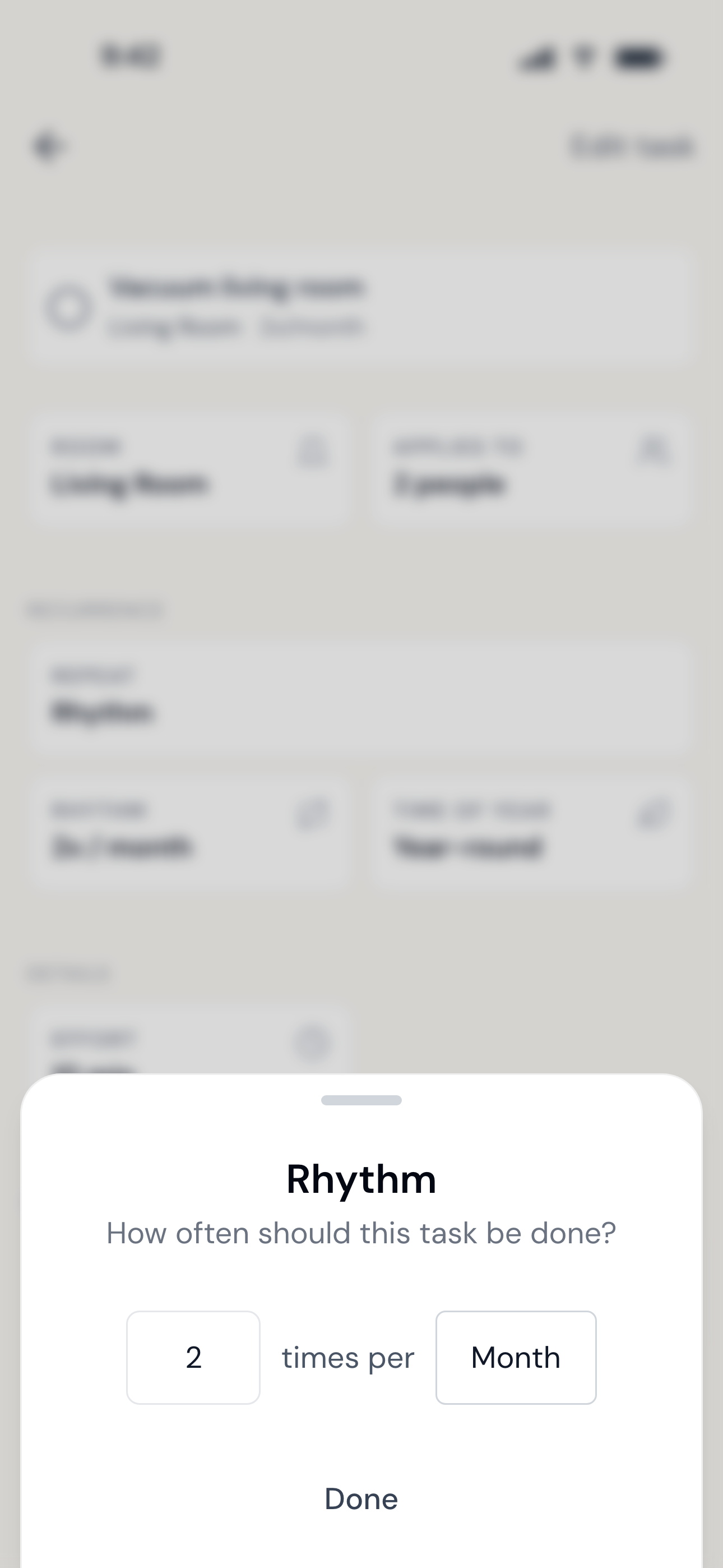
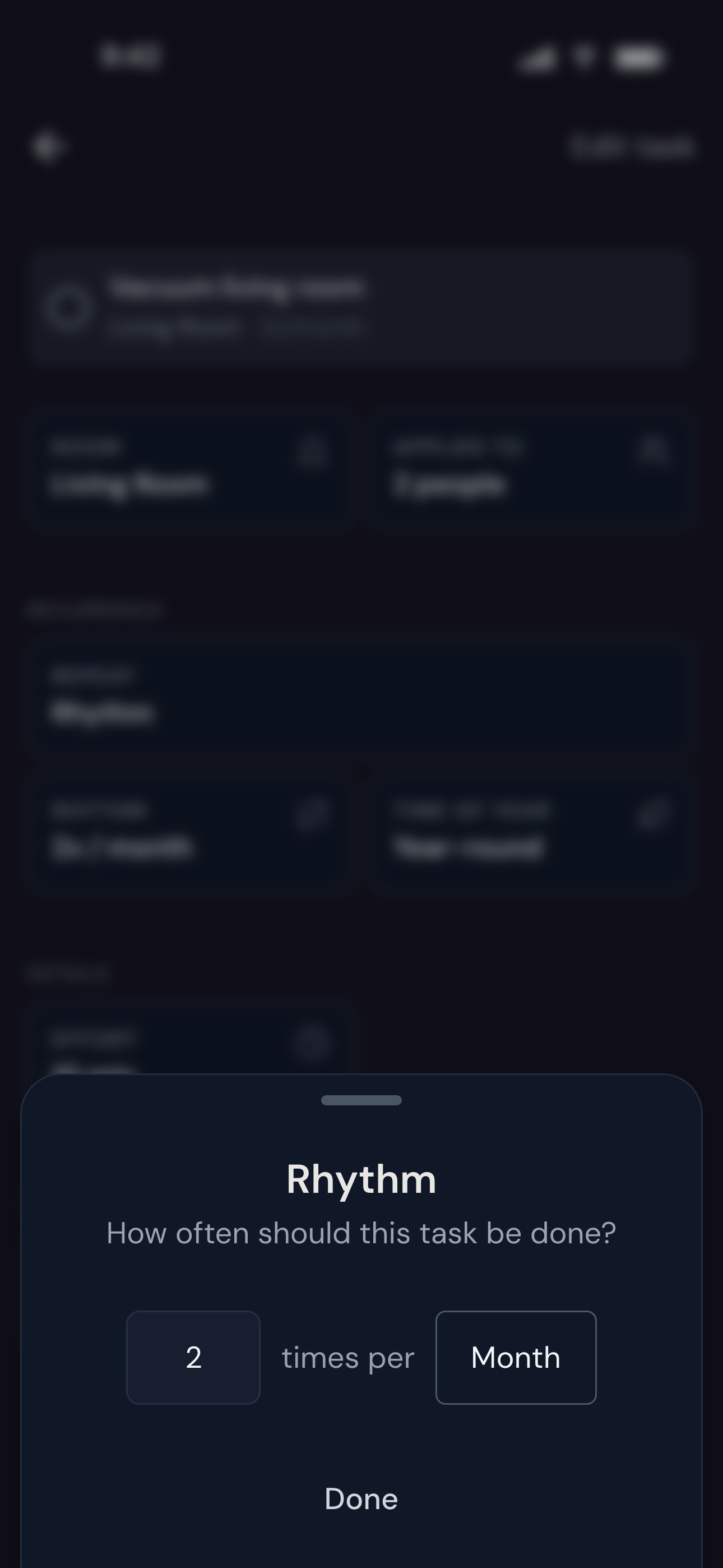
Every task has its own rhythm: weekly, seasonally, or only when someone notices. Once something is done it drops into the background, and the tasks that have been waiting take its place.
When you need to adjust something, it's easy to do. Open a task and adjust how often it comes around, where it applies, or who it's for.
When a task stops fitting, change it or remove it.
Pick up a few at once
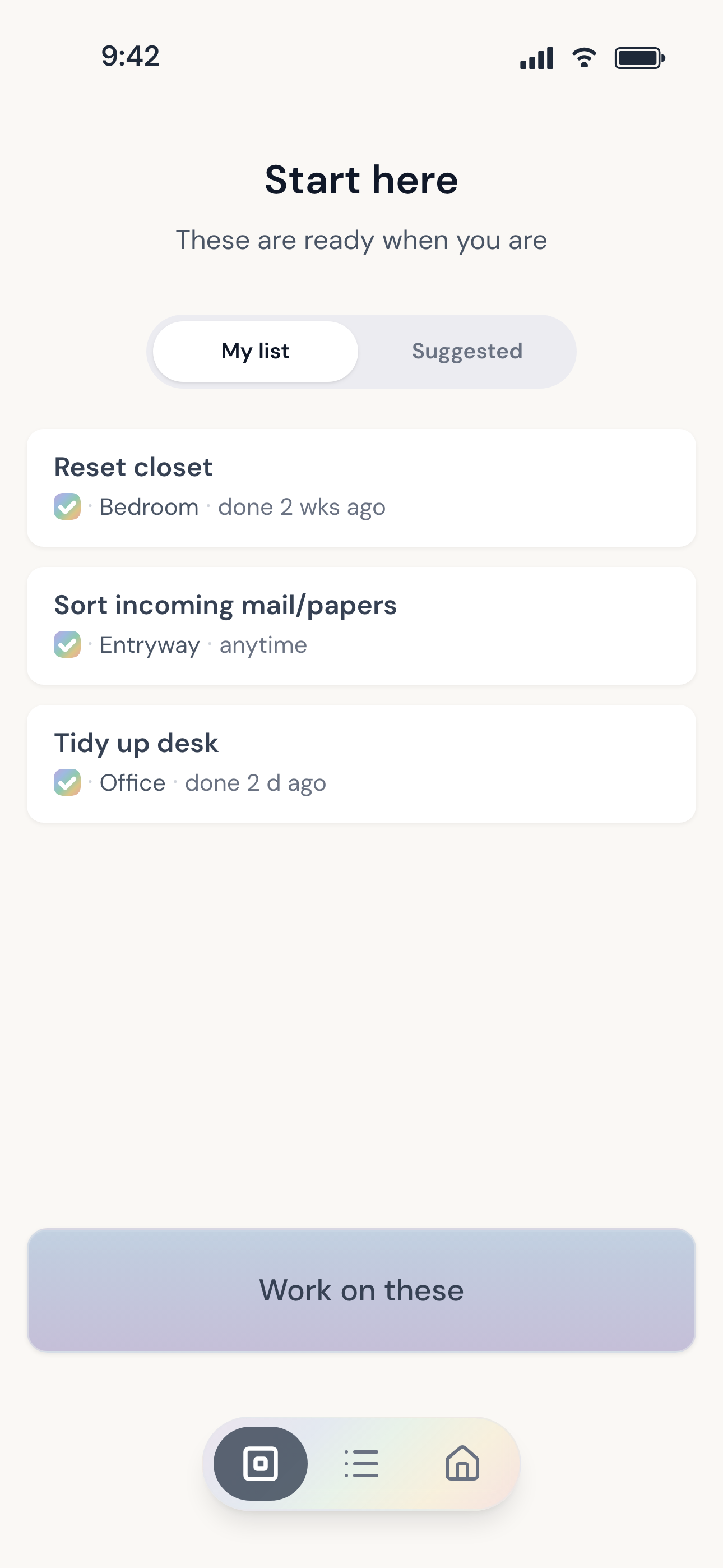
Chores rarely happen one at a time. Tap a handful of tasks to start them — a load of laundry, the counters, the next room — and FreshChores keeps them together while you work. Check each one off as you finish it.
Finish what you get to. The rest will come around again.
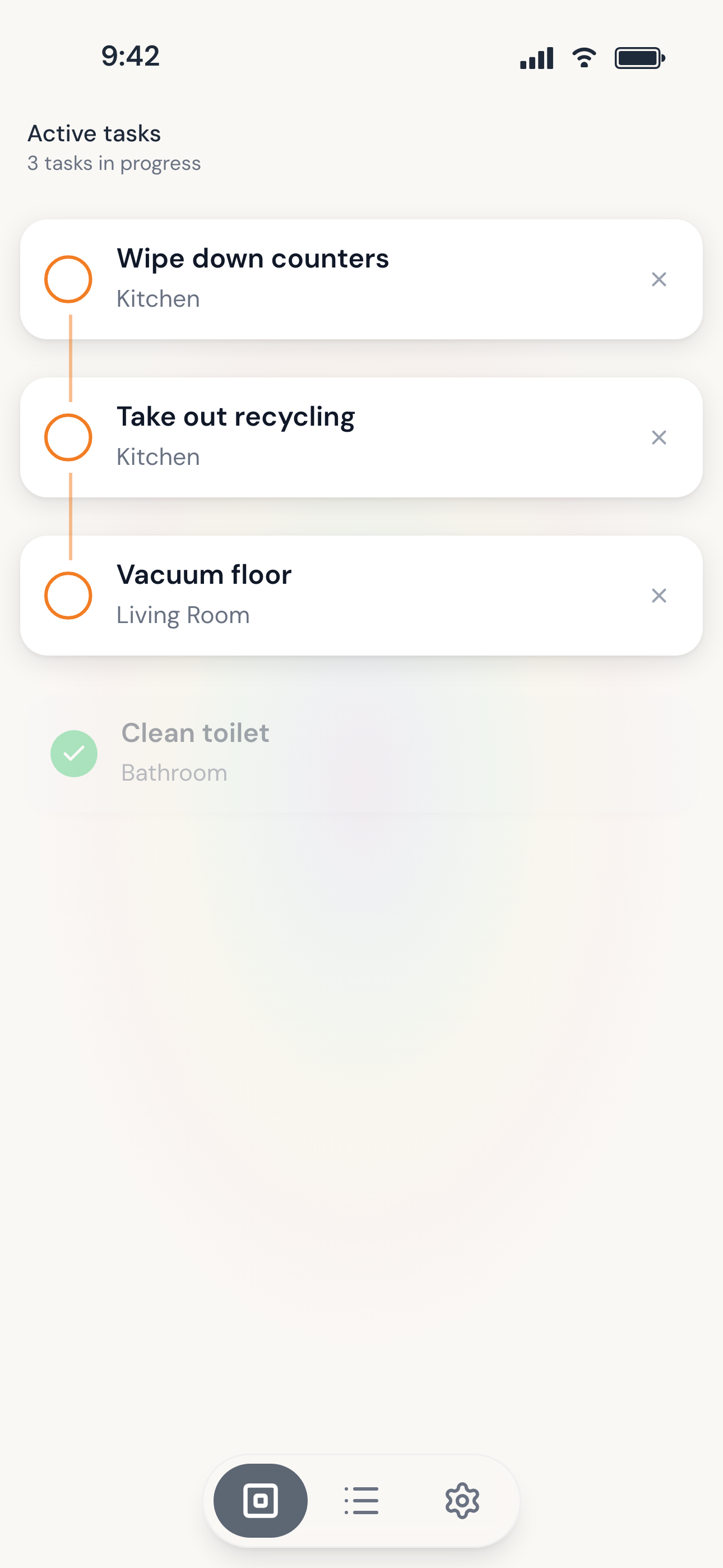
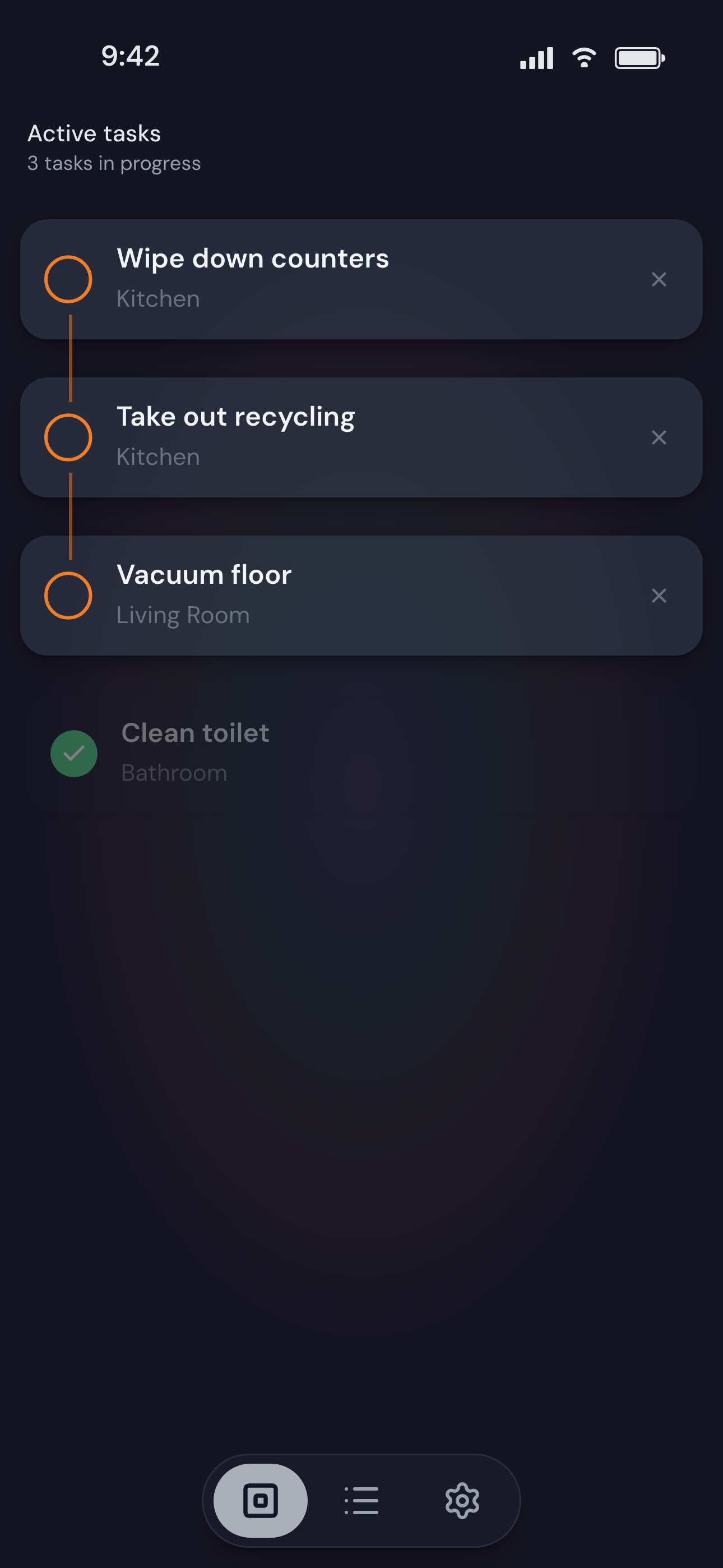

Photo by Nguyen Thien on Unsplash
Right from your Home Screen.
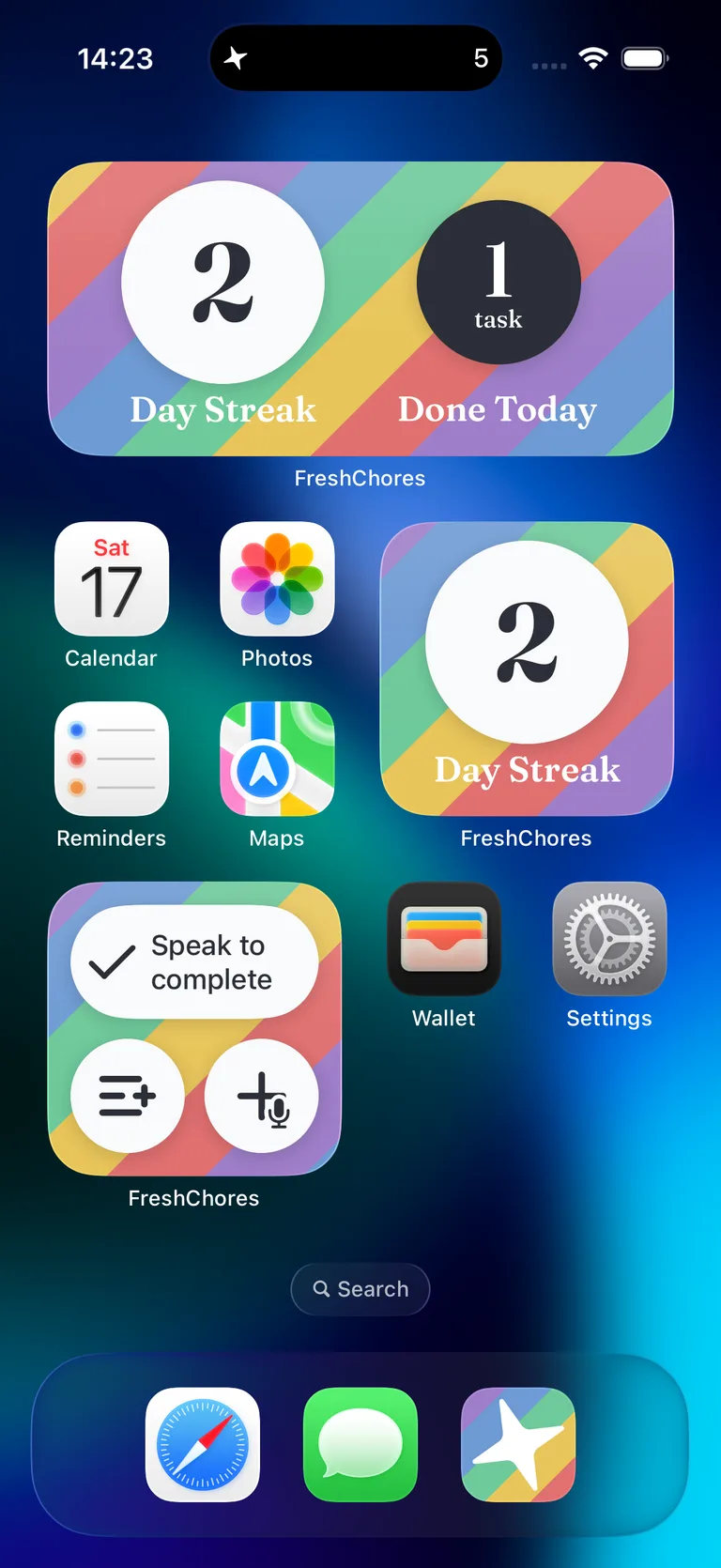
The FreshChores widget sits on your Home Screen. Say what you finished, add something to My List, or create a new task without opening the app.
It's there the moment you think of something.
Keep track of tasks while you work
On iPhone, tasks you've started can stay on your Lock Screen and in the Dynamic Island. Glance down to see what you were in the middle of instead of navigating back into the app. On iOS 17 and later you can check tasks off directly from there.
Live Activities require iOS 16.1 or later. The Dynamic Island is available on iPhone 14 Pro and later.
Wipe down countersKitchen
Start a load of laundryLaundry
Tidy up couch/seatingLiving Room
Shared when you want it to be.
FreshChores works for individuals, and also for whole households. When someone finishes something, it's finished for everyone.
Everyone has a short list of their own. Put a task on My List and it stays where you'll see it.
You can also ask someone for a hand with a task, and it shows up among theirs. Anyone can still do it, and the request clears once someone does.
Look after your home, a few things at a time.